🎮 New Input System
Our new input system gives you unparalleled flexibility and smarter defaults, so you can play the way you want—on any device, across any platform:
- Full Core Input Mapping – Access and map every input the core exposes.
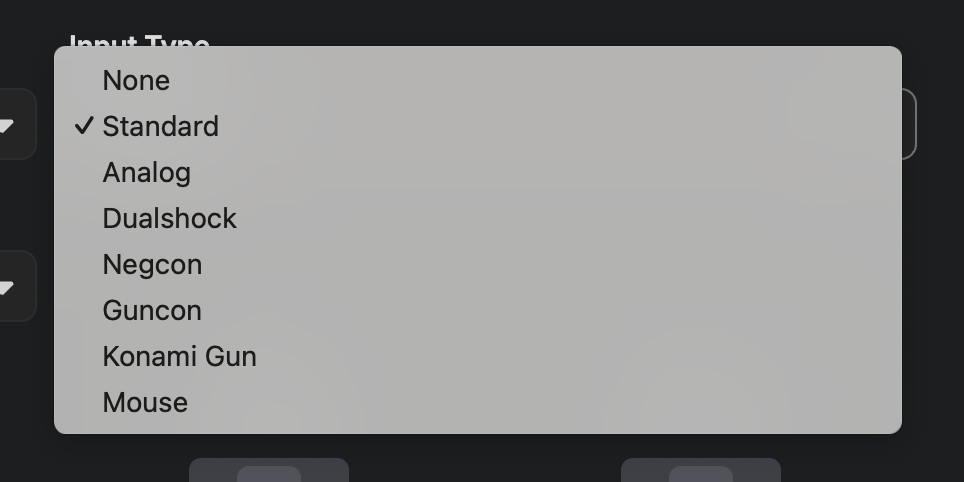
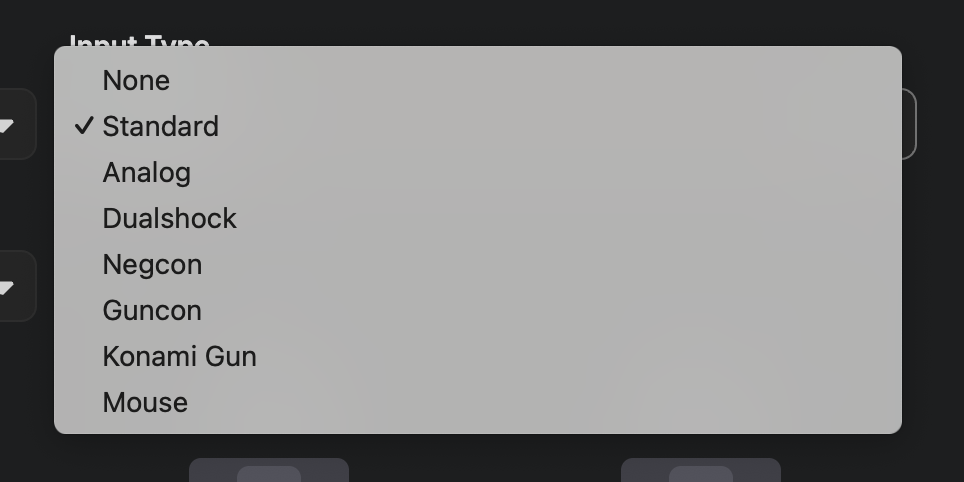
- Virtual Input Device Selection – Choose the virtual input devices connected to the core's ports.
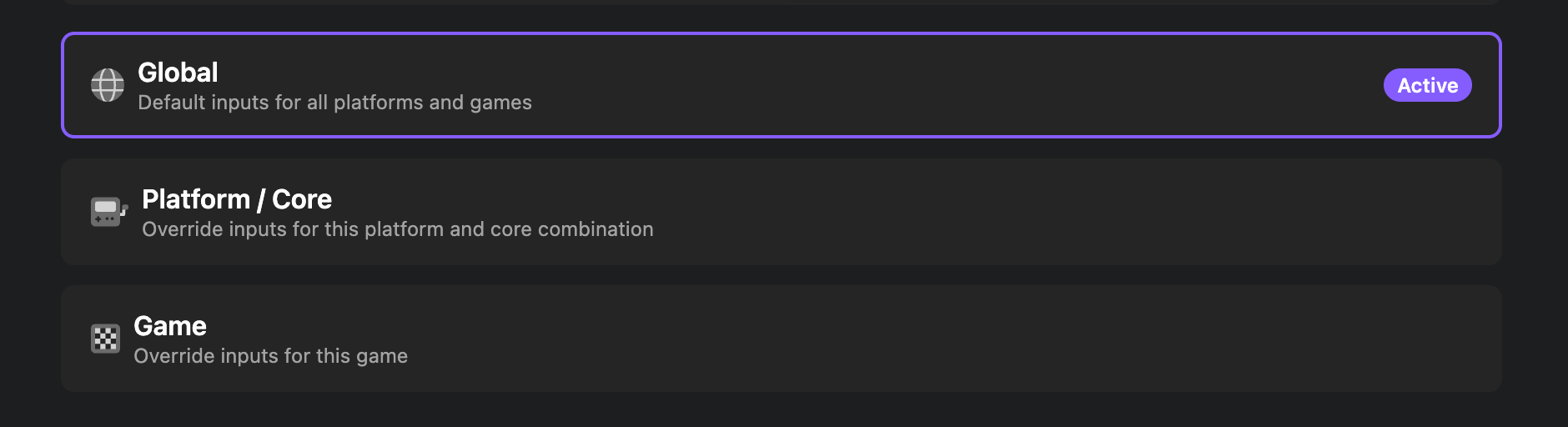
- Global, Platform & Game Overrides – Set your control scheme once, then customize it per console or fine-tune it for a specific game.
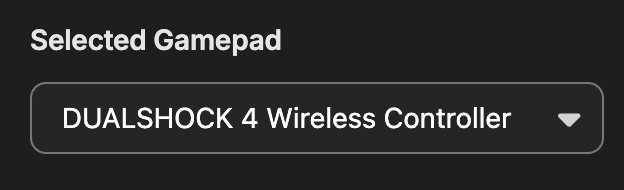
- Per-Player Gamepad Assignment – Choose which physical controller each player uses, ideal for local multiplayer.
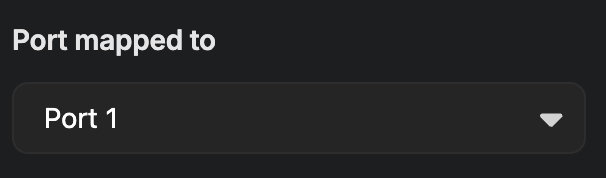
- Port Remapping – Remap players to any controller port (e.g., Player 1 on Port 2)
- Rumble Support – Feel in-game feedback with supported controllers and cores.
- Analog Input Support – Use analog sticks on your controller—or analog-style controls via touchscreen—for games that support it.
- New Hotkeys & Modifiers – Set up hotkeys with optional modifier support, so you can reuse buttons on your gamepad to active hotkey actions
- Local Multiplayer – Connect 2 controllers or a keyboard and a controller to play local multiplayer
🔁 Powered by RetroPad
We use the RetroPad abstraction, so you only need to map your controller once. From NES to PS1, your inputs are automatically translated into console-accurate controls—no extra setup needed.